Pixel art & sprite animation studio for Windows. Layers, frames, selections, and one-click store exports.
A downloadable tool
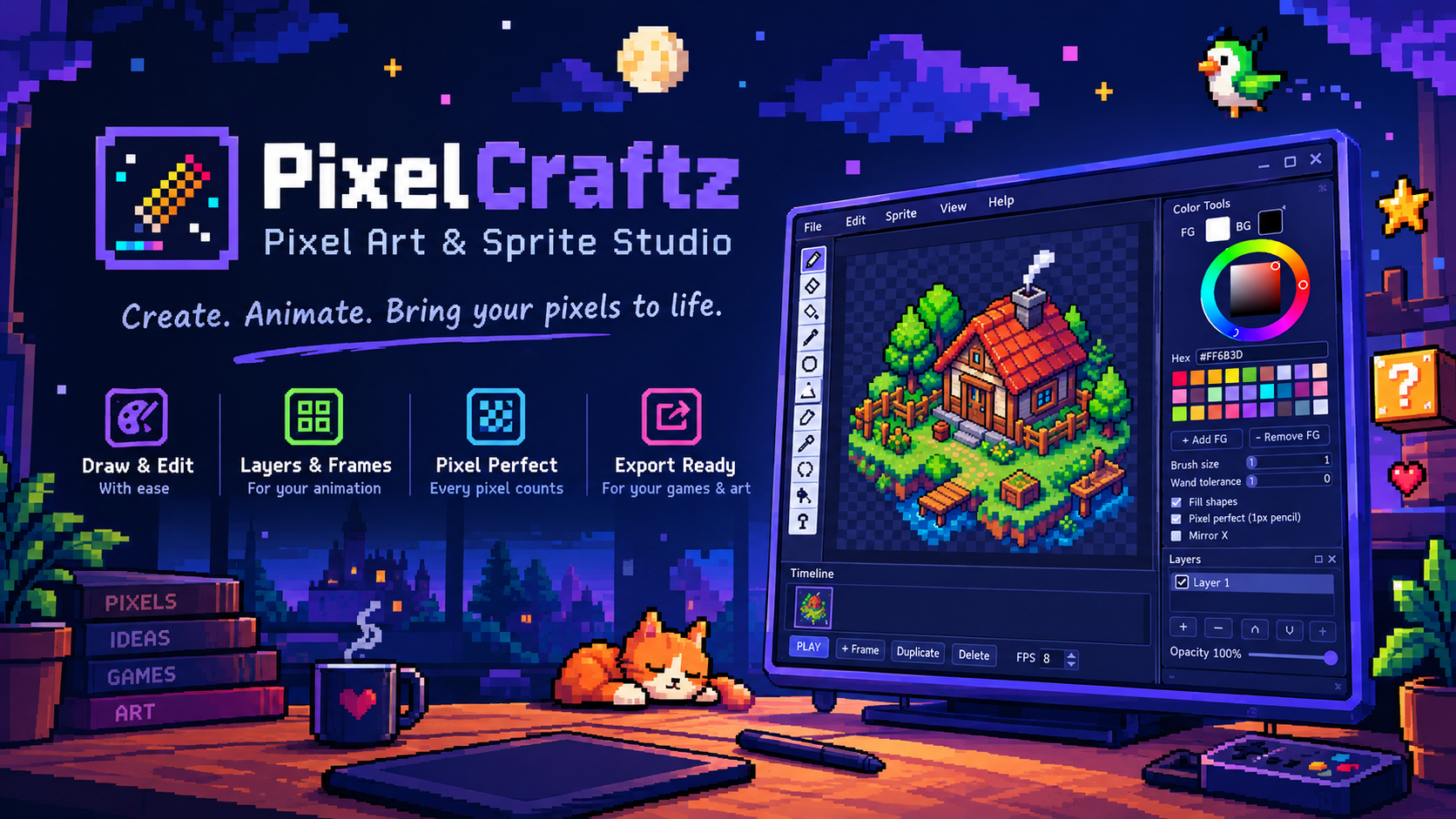
PixelCraftz is a focused pixel-art and sprite animation studio.
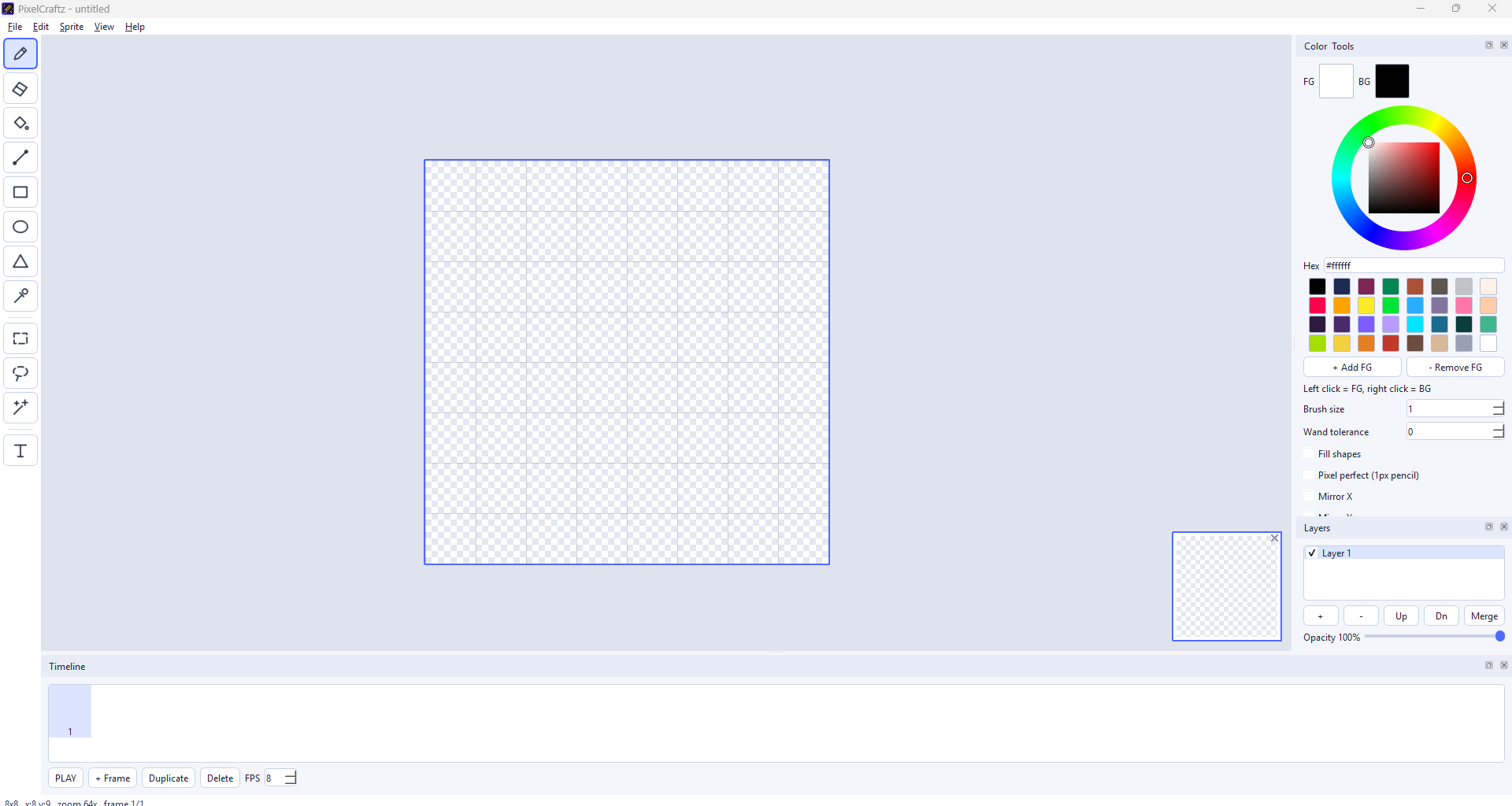
Draw with pencil, eraser, fill, line, rectangle, ellipse, and triangle tools. Animate across multiple frames and layers. Select with rectangle, lasso, or magic wand; move, transform, flip, and copy pixels with nearest-neighbor precision. Import reference images, export PNG, sprite sheets, GIFs — plus square thumbnails and scaled screenshots for itch.io and Gumroad.
how to install :
Just extract the zip file and run the pixelcraftz.exe
Features
• Drawing tools: pencil, eraser, bucket fill, line, rect, oval, triangle
• Layers with opacity, visibility, merge down, reorder
• Frame-based animation with adjustable FPS
• Selection tools: rectangle, lasso, magic wand (add/subtract)
• Transform (rotate / scale) with nearest-neighbor sampling
• Text tool (hard-pixel, no anti-aliasing)
• Full color wheel + hex field + palette (import/export GIMP .gpl)
• Pixel-perfect mode for clean diagonals
• Live preview window
• Import images (PNG/JPG/BMP/GIF/WebP) as new document, layer, or cel — with fit / stretch / canvas-resize options
• Export: PNG, sprite sheet, GIF, square thumbnail (for store covers), 2×/4× store screenshots
• Project format: .pcz (JSON + embedded frames)
• Light, clean UI
Who it’s for
Indie game developers, pixel artists, and anyone who wants a small, fast sprite tool without a bloated UI.
System
Windows 10/11 (64-bit). Built with Python / PySide6 / Pillow.
pixel art, sprite editor, animation, game art, 2d tools, indie, aseprite alternative, pixel animation, sprite sheet
Purchase
In order to download this tool you must purchase it at or above the minimum price of $3 USD. You will get access to the following files: